
Neural4D Introduces Multicolor with AI-Powered Color Detection for 3D Printing
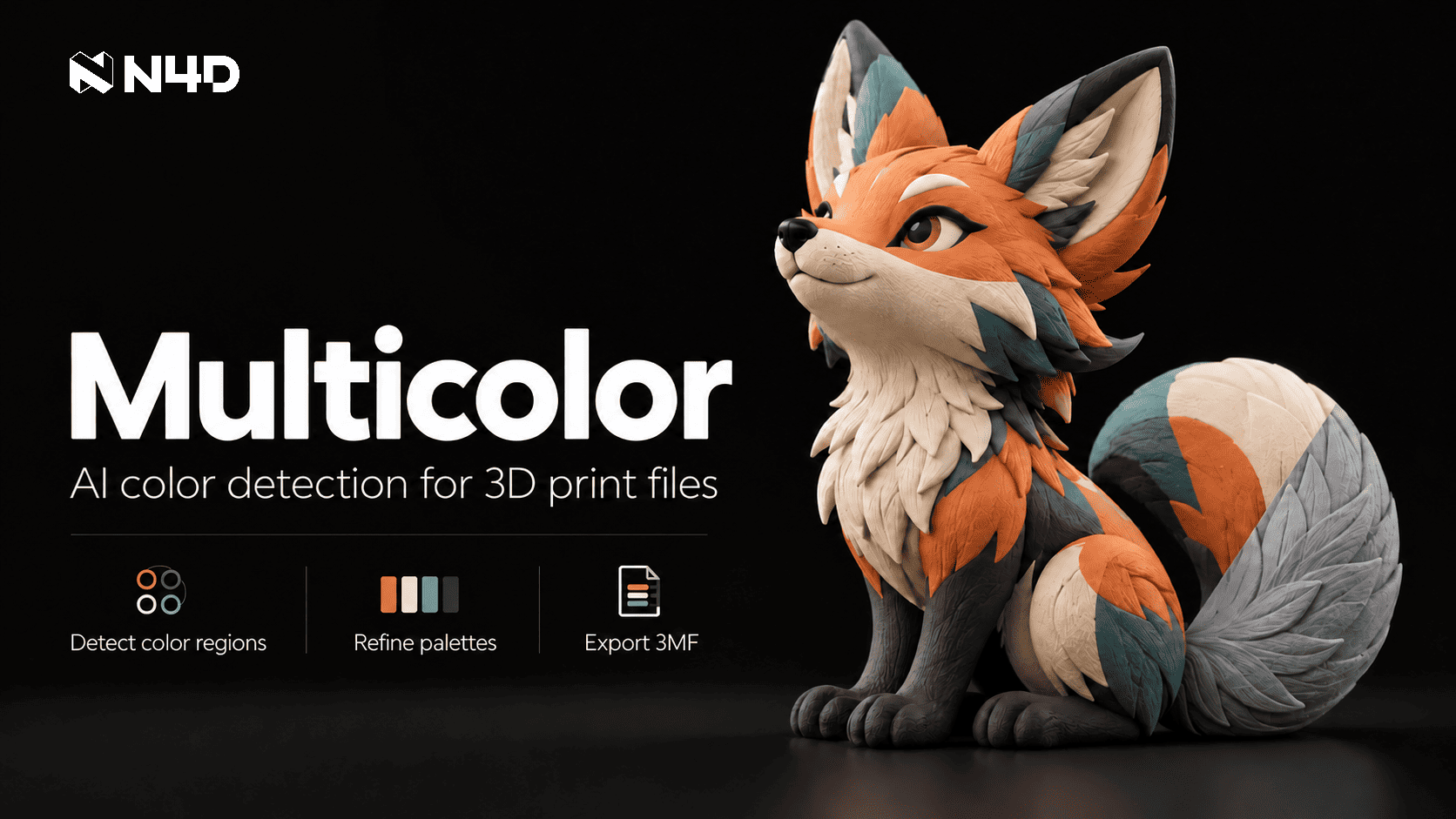
Neural4D Multicolor detects color regions in textured 3D models, supports editable palettes and exports colored models as 3MF files for print preparation.
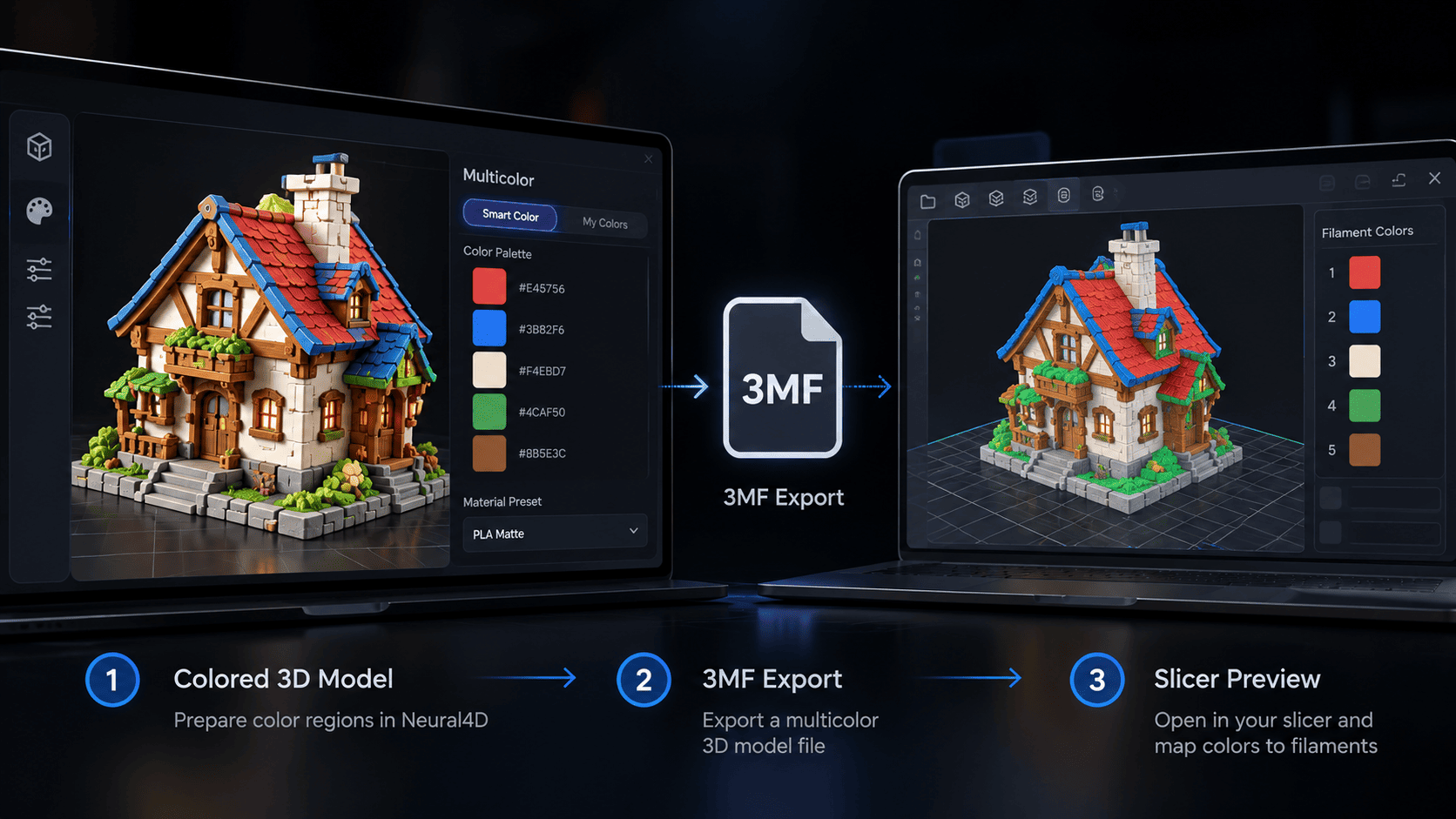
Neural4D exports a colored 3D model as a 3MF file for inspection and filament mapping in compatible slicing software.

Smart Color provides a four-color starting scheme, while My Colors lets creators customize and reuse palettes across textured 3D models.
Neural4D Multicolor detects color regions in textured 3D models, lets creators refine and reuse palettes, and exports 3MF files for print preparation.
SAN FRANCISCO, CA, UNITED STATES, October 9, 2026 /EINPresswire.com/ -- Neural4D (N4D) has introduced Multicolor, an AI-powered tool that turns textured 3D models created on the platform into multicolor 3D print files. By detecting surface color regions, supporting editable palettes and exporting 3MF files, the feature helps creators carry a model's visual design into print preparation. This gives creators a more direct way to prepare AI-generated models for multicolor printing without manually defining every color region.AI Detects Color Regions in Textured Neural4D Models
Multicolor starts with a textured 3D model in a user's N4D asset library. Its AI reads the model's PBR texture and identifies distinct color regions, then builds an initial color scheme that users can review. This reduces the work of marking color boundaries one by one before slicing, particularly when a model has several small details or color changes across its surface. A creator can start from an image or text prompt, generate a textured model in N4D and prepare its color regions within the same platform.
Smart Color and My Colors Make Palettes Adjustable and Reusable
Smart Color provides a four-color starting scheme based on the detected regions. For a more deliberate look, My Colors lets users save and reuse a palette with one to eight colors across models and sessions. The editor also shows each color's share of the model surface, accepts custom six-digit HEX values and includes material presets such as PLA Basic, PLA Matte, PETG, ABS and TPU. That combination gives creators a quick first pass and a way to keep recurring character, collection or product colors consistent. The one-to-eight range describes digital palette choices; the number of filaments used in a print depends on the equipment and slicer setup.
3MF Export Connects AI Models to Multicolor Print Preparation
In the Multicolor workspace in Neural4D Studio, users can export the complete colored model as a 3MF file by default, with GLB available as another format. The 3MF carries the selected color scheme into compatible slicing software, where the creator can inspect the imported model and map colors to the printer's supported filament configuration. Neural4D handles color region preparation and file export; final slicing and print settings remain in the user's slicer. For readers comparing file-based coloring with other methods, Neural4D also offers a guide to coloring 3D models for printing.
Multicolor Prepares Color Regions for a Wide Range of 3D Designs
Multicolor works with eligible textured N4D models across a range of 3D design projects. Creators can use its detected color regions and editable palettes to prepare collectibles, tabletop pieces, decorative objects, product concepts and other designs for slicing.
Availability
Product: https://www.neural4d.com/studio/multicolor
Product Hunt: https://www.producthunt.com/products/neural4d
G2: https://www.g2.com/sellers/neural4d
About N4D
N4D is an AI creation platform for 3D assets, images and videos. Its 3D tools help users generate models from text or images, add texture and prepare assets for downstream creative and production workflows. Neural4D focuses on making digital asset creation more accessible while giving users formats they can take into their own tools.
Media Contact
Name: N4D
Email: support@neural4d.com
Website: https://www.neural4d.com
Neural4D
N4D
Visit us on social media:
LinkedIn
Instagram
Facebook
YouTube
TikTok
X
Other
Legal Disclaimer:
EIN Presswire provides this news content "as is" without warranty of any kind. We do not accept any responsibility or liability for the accuracy, content, images, videos, licenses, completeness, legality, or reliability of the information contained in this article. If you have any complaints or copyright issues related to this article, kindly contact the author above.
